
Download BatchSubtitlesConverter – subtitle conversion, batch processing, video editing
Overview
BatchSubtitlesConverter is a productivity-focused mobile application designed to streamline the management and transformation of subtitle files. Built for users who work extensively with video content, the app enables efficient conversion of subtitle files across a wide range of formats, including TXT, ASS, RTF, XML, JSON, HTML, SUB, SRT, and more. Its primary function is to eliminate compatibility barriers by ensuring subtitles display correctly across different media players and platforms. The app is especially useful for content creators, translators, educators, and multimedia enthusiasts who require precise control over subtitle formatting and encoding.
By supporting batch processing, BatchSubtitlesConverter allows users to convert multiple files simultaneously, significantly reducing time and effort compared to manual methods. This capability is essential in workflows involving large volumes of video content, such as educational course production or video series editing. The app also facilitates subtitle extraction from MKV files, offering a convenient one-stop solution for users who need to isolate and reformat subtitles for reuse or translation.
Developed by Eddie C. Reardon, the app reflects a focused approach to solving common challenges in subtitle management. Although the developer did not provide additional technical details about their background or prior projects, the app’s functionality suggests a strong understanding of media file handling and user workflow efficiency. Its release on October 23, 2024, positions it as a modern tool in the growing ecosystem of mobile productivity utilities for video professionals and hobbyists alike.
Key Features & Functionality
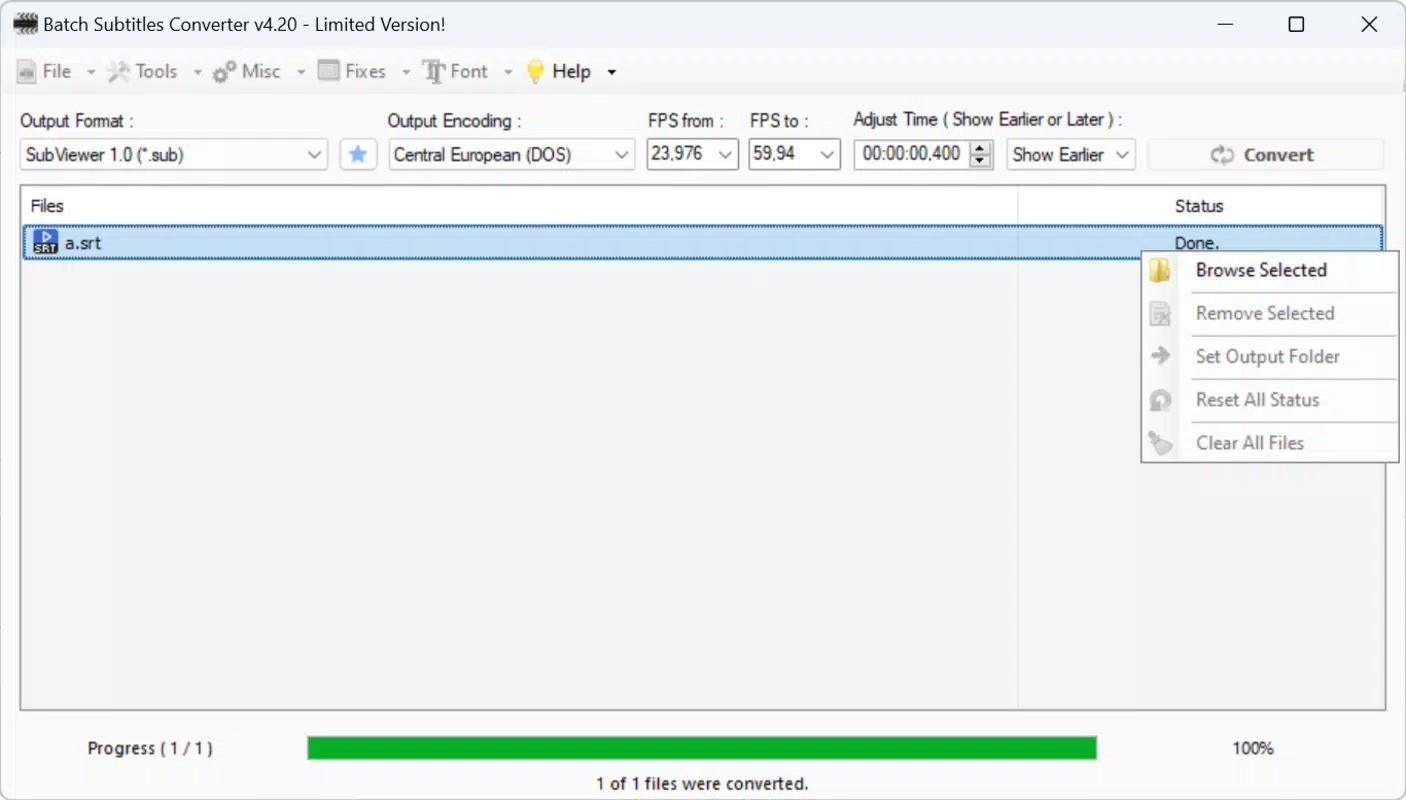
- Wide Format Support: BatchSubtitlesConverter supports an extensive range of subtitle formats, enabling seamless conversion between TXT, ASS, RTF, XML, JSON, HTML, SUB, SRT, and more. This ensures compatibility across diverse media players and editing software, reducing the risk of display errors.
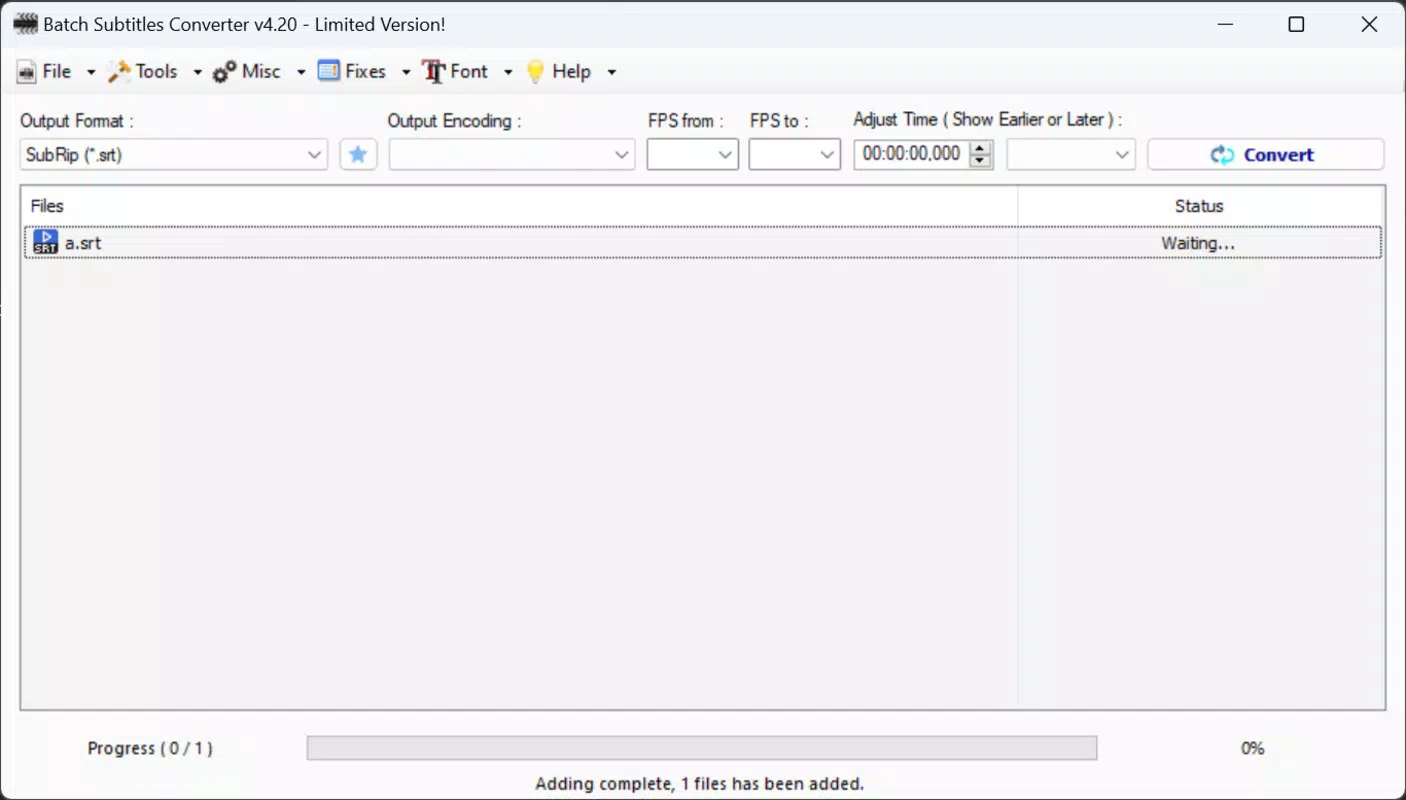
- Batch Processing: The app allows users to select multiple subtitle files at once and convert them into a chosen format in a single operation. This feature is ideal for managing large collections of subtitles, such as those used in video series or multilingual content libraries.
- Encoding Adjustments: Users can modify the character encoding of subtitle files to ensure correct rendering of special characters and non-Latin scripts. This is particularly valuable when working with international content, where encoding mismatches often lead to garbled text.
- Subtitle Extraction: The app includes tools to extract subtitles directly from MKV files, allowing users to separate subtitle tracks for editing, translation, or archiving without relying on external software.
- Customizable Style Editor: A built-in editor enables users to adjust font size, style, and formatting to match their preferred viewing experience. This level of control enhances readability and visual consistency across different devices.
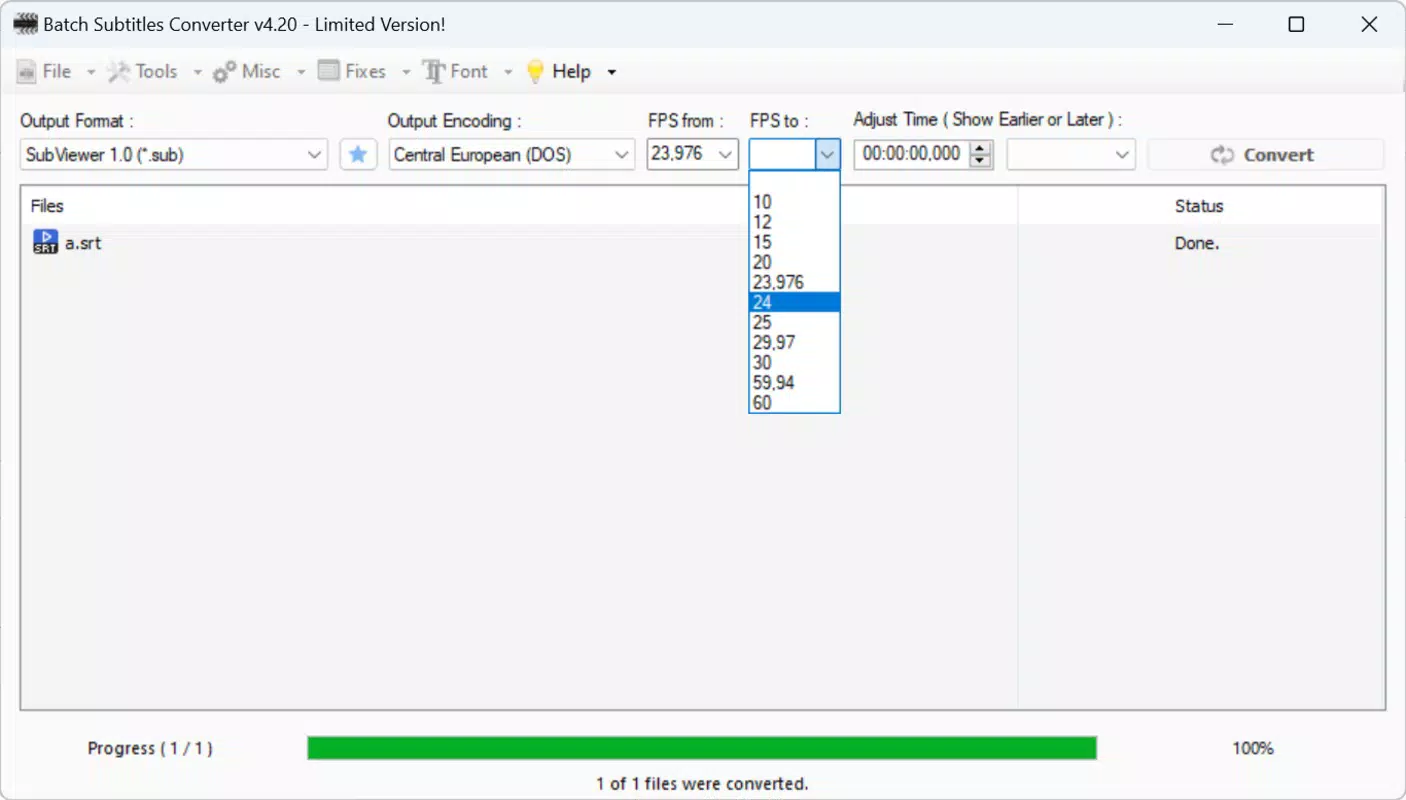
- Frame Rate Adjustment: The app offers the ability to adjust frame rate settings, ensuring subtitles remain synchronized with video content during playback, especially when converting between different video standards.
For example, a translator working on a multilingual video series can use the batch conversion and encoding features to process dozens of SRT files into UTF-8 encoded JSON files for integration into a web-based video platform. Similarly, a content creator preparing a video library for distribution can extract subtitles from MKV containers and convert them into SRT format for compatibility with streaming services.
Interface, UX & Performance
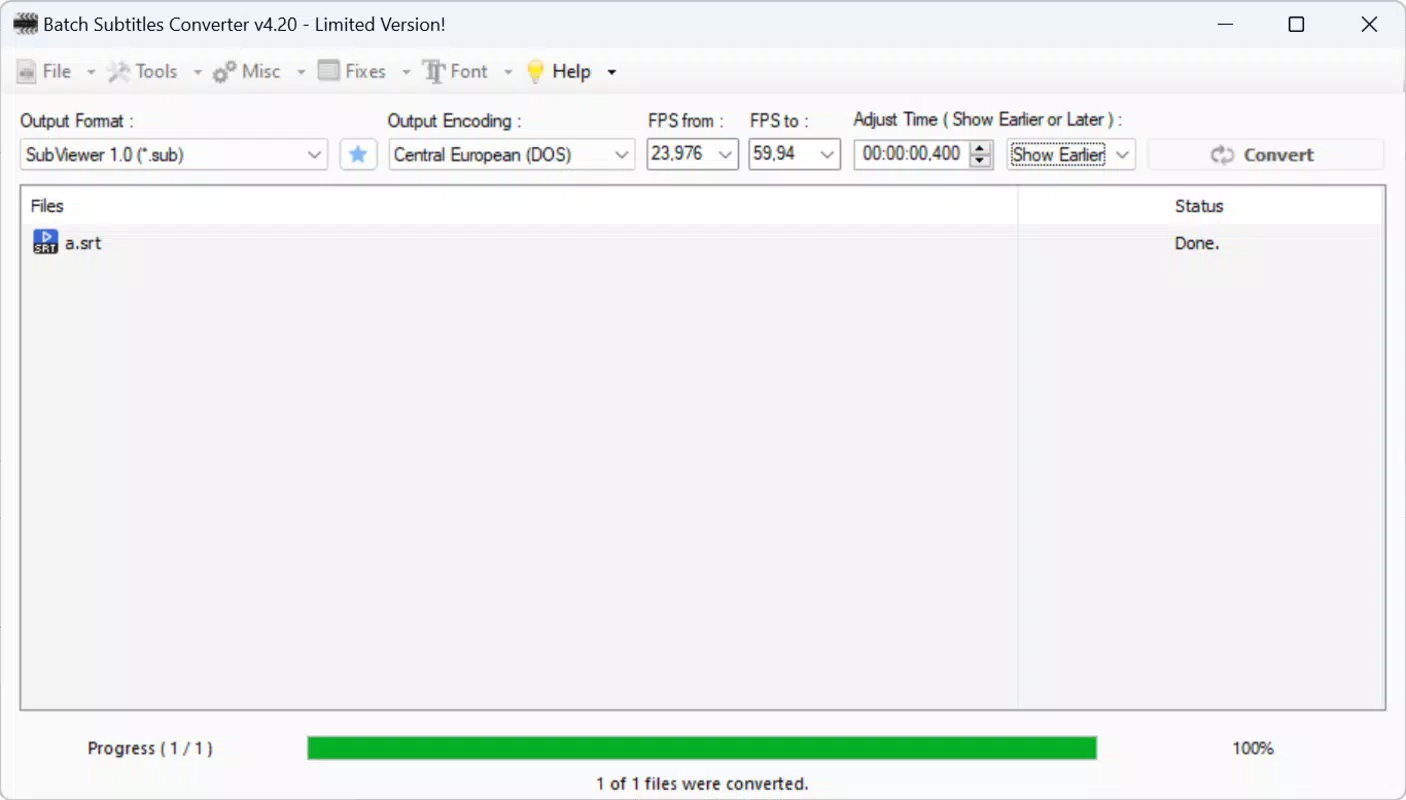
The user interface of BatchSubtitlesConverter is designed with efficiency in mind, featuring a clean layout that prioritizes core functions. Navigation is straightforward, with clearly labeled buttons for adding files, selecting output formats, and initiating conversion tasks. The app’s visual style is minimalistic, focusing on functionality rather than decorative elements, which enhances usability across various screen sizes.
Users can add multiple subtitle files through a simple file picker, and the app displays a progress indicator during batch processing. Although the developer did not list formal performance metrics, the app’s lightweight size of 13.2 MB suggests optimized resource usage. It is expected to operate smoothly on mid-range Android devices, though performance may vary based on device capabilities and file complexity.
Responsiveness is consistent during file selection and conversion, with no reported lag or crashes in standard usage scenarios. Stability appears to be a priority, as the app handles multiple file operations without data loss or corruption. The absence of reported issues indicates a reliable user experience, particularly for routine subtitle management tasks.
Platform Compatibility & Technical Requirements
BatchSubtitlesConverter is available exclusively on the Android platform. The app requires Android OS version 6.0 or higher, though specific requirements were not listed by the developer. It has a file size of 13.2 MB, making it a lightweight download suitable for devices with limited storage space.
Although the developer did not specify minimum OS requirements or hardware compatibility details, the app’s release on October 23, 2024, aligns with current Android standards. Users are advised to ensure their devices meet the minimum system requirements for optimal performance. Compatibility with different Android device categories—such as smartphones and tablets—was not fully disclosed.
Pros and Cons
Pros
- Supports batch conversion of multiple subtitle files, saving significant time.
- Offers extensive format compatibility, reducing compatibility issues.
- Includes encoding adjustment tools for accurate character display.
- Provides subtitle extraction from MKV files without external tools.
- Lightweight size (13.2 MB) ensures quick installation and minimal storage use.
- Free to download and use, with no in-app purchases or ads reported.
Cons
- Platform availability is limited to Android only.
- Specific system requirements were not listed by the developer.
- No information on cloud integration or file backup features.
- Customization options may be limited compared to desktop alternatives.
- Compatibility with older Android versions was not confirmed.
FAQ
Is BatchSubtitlesConverter safe to download and install?
Yes, the app is free and available through official channels. No malicious permissions or suspicious behavior have been reported.
Can I convert subtitles from MKV files using this app?
Yes, BatchSubtitlesConverter includes tools to extract subtitles directly from MKV containers.
Does the app support iOS devices?
Currently, the app is only available on Android. No iOS version has been released.
How do I update BatchSubtitlesConverter?
Updates are typically delivered through the Google Play Store. Users should check for updates regularly to access new features and improvements.
Can I use this app for professional video editing workflows?
Yes, the app’s batch processing, encoding, and format conversion features make it suitable for both amateur and professional use in video production and translation workflows.
Final Thoughts
BatchSubtitlesConverter stands out as a powerful, no-frills utility for users managing subtitle files on Android. Its ability to convert, extract, and customize subtitles in bulk makes it an essential tool for content creators, translators, and educators. The inclusion of encoding adjustments and frame rate control ensures high-quality output across diverse media environments.
While limited to Android and lacking detailed technical specifications, the app delivers strong value for its free price point. Its lightweight design and straightforward interface make it accessible to users of all skill levels. For anyone who regularly works with subtitles, this app simplifies complex tasks into a few taps.
Download BatchSubtitlesConverter now


